A machine price that leaves freight or duty off the page costs more once those bills arrive. The total cost of importing industrial equipment is the doorstep total plus the after-arrival lines a document assigns, and industrial equipment import costs stay incomplete until each line is marked included, separate or unknown.
Industrial equipment import costs are the doorstep total plus the later lines a document assigns before the machine can run. On Determine Total Export Price, retrieved 18 October 2026, the U.S. International Trade Administration (ITA) defines landed cost as the total price once the product has arrived at the buyer’s door: the original product price, insurance, freight, tariffs and taxes, and other fees. Call that total an estimate. Tariffs and taxes can change, and a customs broker or a shipping company can add charges. The WTO customs-valuation note keeps costs after importation, including later transport, construction and assembly, out of customs value when that note applies, so those lines go on a second sheet. Other explainers on how firms buy and sell are in the Business section. Copy amounts only from the offer, the contract or the customs paper.
| Input or item | Typical value or source | Why it matters |
|---|---|---|
| Doorstep total | ITA, 18 October 2026: product price, insurance, freight, tariffs and taxes, other fees. Call it an estimate. | This is the arrival total. It stops at the buyer’s door. |
| Customs value for an ad valorem duty | WTO technical note: the price actually paid or payable, plus the Article 8 adjustments the member’s basis allows | The duty amount is this value times the rate on the dated lookup. |
| After importation | WTO note: later transport, construction and assembly stay off that customs value | These lines decide whether the machine can run. They are a second total. |
What sits in the doorstep total
The doorstep total is an estimate of the price at the buyer’s door, and the contract’s trade term does much of the work of saying who pays it.
ITA writes that page for a U.S. exporter estimating what a foreign buyer pays. The first sheet uses ITA’s landed-cost definition and stops where that definition stops. On the same page, the Incoterm in the sales contract often determines whether the seller or the buyer pays the duties and taxes. CIF means cost, insurance and freight. ITA says many tariff and tax calculations use the CIF value. Copy the trade term as the contract writes it. If the offer names no term, the duty-payer cell stays unknown. If the importing country’s lookup uses a basis other than CIF, write that basis in the document cell.
The destination customs authority assesses duties when the goods arrive. Taxes and other charges are calculated separately. Duties get their own row. Taxes and customs fees get the next. ITA tells the exporter to begin with the importing country’s Harmonized System code before looking up a tariff. A tariff is the charge, organized by classification and often expressed as a percentage of value. A duty is the money owed because of that tariff. Write the code the papers actually use, and the date of the lookup. Leave the money cell as (blank) until that dated paper is in the file.
ITA’s Harmonized System page, retrieved the same day, says the HS assigns six-digit codes, the World Customs Organization administers it, and countries revise it on a five-year cycle. Countries add digits after those six. For the United States, the page says import and export classifications are 10 digits. Exports use Schedule B, administered by the Census Bureau. Imports use the Harmonized Tariff System. The first six digits are the HS code. The full 10-digit Schedule B number and the full 10-digit import number can differ for the same physical product. A Schedule B number does not replace the importing country’s longer code. ITA also says codes can change at any time, so the lookup date stays on the row.
The doorstep formula applies when the lookup says the basis is CIF. Read C from the invoice, I from the insurance paper, F from the freight paper, and r from the dated tariff lookup. This page does not supply those inputs.
CIF value = C + I + F
Ad valorem duty = (C + I + F) × r
Doorstep estimate before other fees = CIF value + duty
Taxes stay on the next row. ITA says most value-added taxes are calculated on CIF plus duty. That is a statement about tax math on the ITA page. The WTO note below is about customs value for an ad valorem duty. It does not set a tax rate. Add broker or carrier charges on their own row when their paper names them. Any total built this way is still an estimate.
Worked example. Substitute only figures printed on the attached papers: duty = (C + I + F) × r. If those four cells are still (blank), the duty cell stays (blank). There is no number to multiply.
When this does not apply. A specific duty charges a stated sum per quantitative unit. The WTO technical note says the customs value then does not have to be determined, and the Valuation Agreement does not apply. Skip the multiplication. A lookup that uses a basis other than CIF also skips the CIF addition above. Write the basis the lookup names.
Common mistake: Putting a duty figure on the row because a general article quoted one for a different product.
Takeaway: An arrival total without a named trade term, a classification and a lookup date is still an estimate with open cells.
When the invoice is not the customs value
For an ad valorem duty, customs value starts from the price actually paid or payable for the imported goods. It does not start from the ready-to-use total.
The WTO page Customs Valuation: Technical Information, retrieved 18 October 2026, says that price is generally the one on the invoice, plus adjustments listed in Article 8. That sum is the transaction value, the first of six methods. The note requires evidence of a sale for export to the importing country, such as a commercial invoice, a contract or a purchase order. The price also has to be acceptable: no restriction that substantially affects the value, and no condition whose value cannot be determined. One example on the page is a price set on the condition that the buyer also buys other goods in specified quantities.
Rule of thumb: If any person directly or indirectly owns, controls, or holds 5 percent or more of the outstanding voting stock or shares of both the buyer and the seller, the WTO note treats the buyer and seller as related. The same note also treats them as related when one controls the other, when a third person controls both, or when they are officers, partners, employer and employee, or members of the same family. Transaction value still stands when the importer shows that the relationship did not influence the price, or that the value closely approximates a test value. Until that showing is in the file, leave the customs-value amount unknown. The 5 percent figure is the ownership threshold on that page. It is not a duty rate.
When transaction value is not acceptable, the note lists five further methods, in order: identical goods, similar goods, deductive value, computed value, and a fall-back. The importer can ask to switch the order of the deductive and computed methods. The page reserves that switch for the importer. If no sale took place at or about the time of importation, the deductive method permits sales up to 90 days after importation. That window is a valuation condition. It is not a transit time for a machine.
Article 8 adjustments named on the page include commissions and brokerage, except buying commissions; packing and container costs; assists; royalties and license fees; subsequent proceeds; and, when the member values on a CIF basis, transport, insurance and related charges up to the place of importation. The same note then excludes costs incurred after importation: duties, later transport, construction and assembly.
| Record | Dominant failure mode | Prevention |
|---|---|---|
| Doorstep estimate | Freight already inside the machine price is added again, or a duty amount is copied from another product | Mark the leg included, separate or unknown. Leave duty as (blank) until this classification and the lookup date are attached. |
| Customs value | An invoice is used after a related-party sale, or post-import assembly is folded into the value | Start from the price actually paid or payable. Keep construction and assembly after importation off that value. |
| Ready-to-use total | The lower doorstep number wins while installation and connections are still unknown | Finish the arrival rows, fill the second sheet, and name which total you are comparing. |
Takeaway: The invoice is the start of transaction value. It becomes the customs value only when the note’s conditions, including the related-party test, are met.
How to record what each offer includes
Use one row per charge. For each offer, write included, separate or unknown, who pays, the currency printed on that offer, the document and its date, and the person who can close a blank cell.
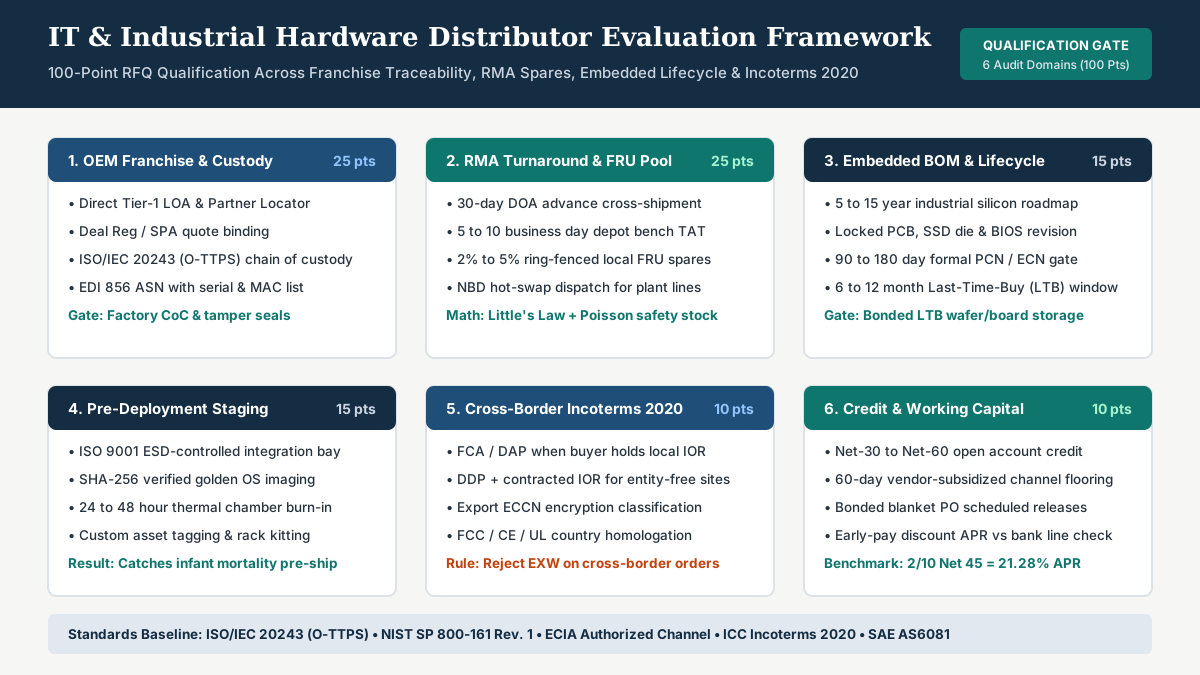
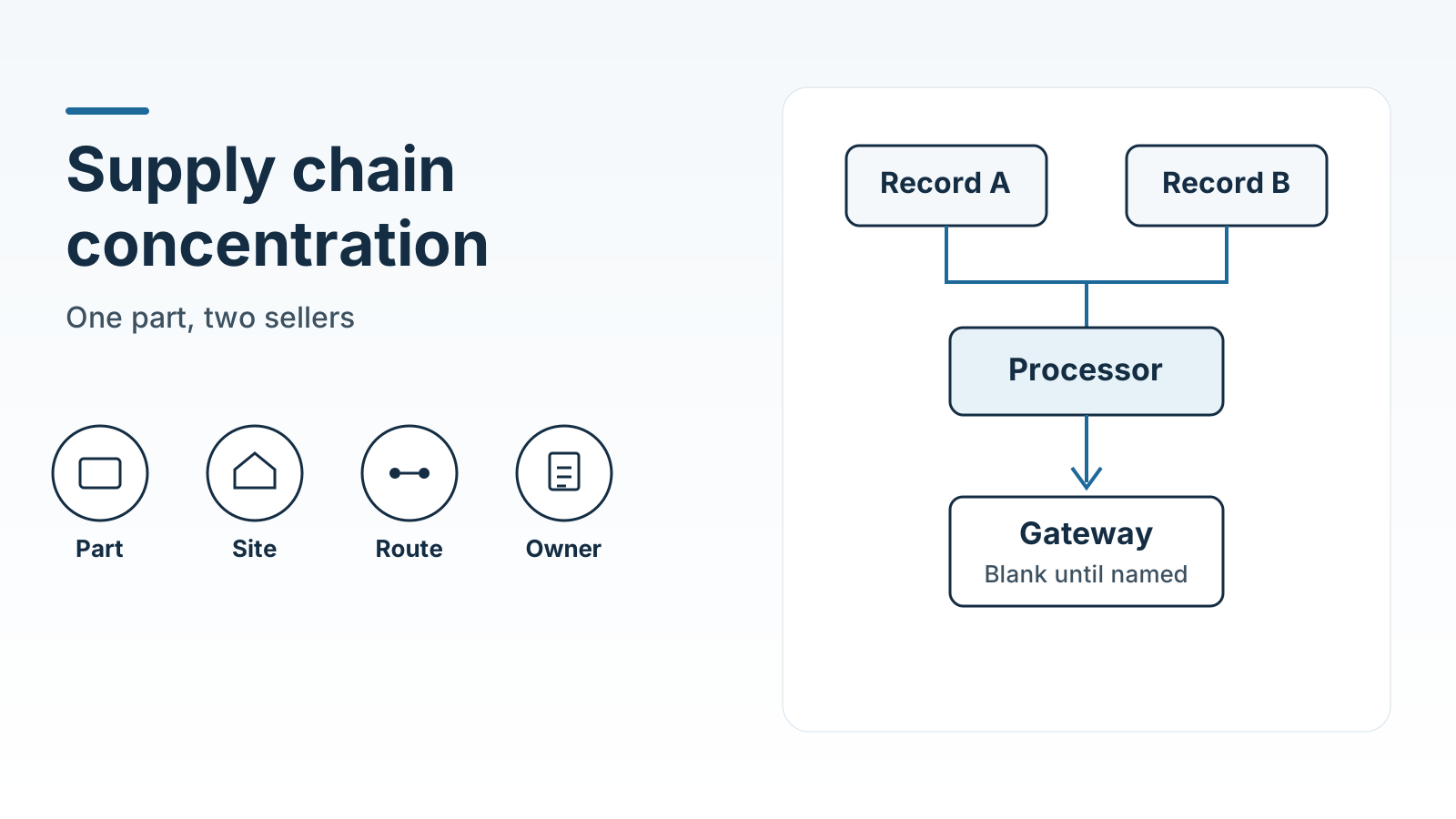
When the supplier is a small factory, who owns the goods and who handles fulfillment depends on the sales channel. How small manufacturers split ownership and fulfillment across sales channels sets out those roles. If you have not checked whether the two offers share a plant, a port or a route, record that on the supply-chain concentration worksheet before treating the offers as independent. For industrial PCs, edge gateways, or barcode terminals bought through a two-tier channel, the IT hardware distributor evaluation checklist verifies Incoterms 2020 Importer of Record duties, pre-deployment staging burn-in, and local RMA spares alongside the landed-cost rows.

The printed table has one set of blanks. Add a column for the second offer, or fill the sheet twice and put the copies side by side. Split a freight row only when the two offers cut the journey in different places.
The leg from the import port to the site is one of those rows. A port score is not that leg’s price. What a port-performance index measures, and what it leaves out of a door-to-door move is the check before a port ranking stands in for the inland charge.
| Cost line | Included, separate, or unknown | Who pays | Offer currency | Document to attach | Who confirms |
|---|---|---|---|---|---|
| Machine price | (blank) | (blank) | (blank) | Supplier offer, with date and line | (blank) |
| Export packing, when the offer separates it | (blank) | (blank) | (blank) | The offer, or the packing note | (blank) |
| Freight to the export port | (blank) | (blank) | (blank) | Offer or forwarder paper, with date | (blank) |
| International freight | (blank) | (blank) | (blank) | Offer or freight paper, with date | (blank) |
| Freight from the import port to the site | (blank) | (blank) | (blank) | Offer or delivery paper, with date | (blank) |
| Insurance | (blank) | (blank) | (blank) | Policy or the offer line, with date | (blank) |
| Trade term in the contract | (blank) | (blank) | (blank) | Contract clause, copied as written | (blank) |
| Tariffs and duties | (blank) | (blank) | (blank) | Classification, lookup and date | (blank) |
| Other taxes and customs fees | (blank) | (blank) | (blank) | The same lookup, or the broker paper | (blank) |
| Charges a broker or carrier adds | (blank) | (blank) | (blank) | Their paper, with date | (blank) |
Rule of thumb: If the status of a freight leg is included, extra additions of that leg equal 0. If the status is separate, extra additions equal 1.
Freight-inclusive amount = machine price + freight line × extra additions
Worked example. Offer A states that international freight is included, so extra additions = 0 and the freight-inclusive amount equals the machine price. Offer B prints a separate international-freight line, so extra additions = 1 and the freight-inclusive amount equals the machine price plus that line. Adding that freight line to Offer A as well moves extra additions from 0 to 1 and counts one movement twice. A second paper for the same leg checks the figure. It is one charge.
Keep each offer’s currency as printed. When the currencies differ, write both, and use the rate and the date the finance lead already uses. This page has no exchange rate. Until that rate is written in the document cell, leave the two totals in their own currencies.
Common mistake: Picking the lower machine price while duty and installation are still unknown on one offer.
Takeaway: The status word, the payer and the document belong on the same row. A figure with no document stays unknown.
What the machine still needs after it arrives
A lower doorstep number can still be the more expensive machine to start. Park unloading, placement, connections, commissioning, training and first spare parts on the second sheet.
The WTO note excludes construction and assembly after importation from the customs value. Installation labor and the acceptance run sit on this sheet even when someone has already estimated the doorstep total. If the offer says installation is available and gives no line and no exclusion, mark that row unknown.
| Cost line | Included, separate, or unknown | Who pays | Offer currency | Document to attach | Who confirms |
|---|---|---|---|---|---|
| Unloading at the site | (blank) | (blank) | (blank) | Offer or the rigger’s paper | (blank) |
| Placement on the floor | (blank) | (blank) | (blank) | Offer or the rigger’s paper | (blank) |
| Foundation or floor work | (blank) | (blank) | (blank) | Site note, or the offer’s exclusion | (blank) |
| Power, air or water connections | (blank) | (blank) | (blank) | Offer, or the facilities note | (blank) |
| Installation labor | (blank) | (blank) | (blank) | Offer line, or a written exclusion | (blank) |
| Commissioning and the acceptance run | (blank) | (blank) | (blank) | Offer, including what counts as accepted | (blank) |
| Operator training | (blank) | (blank) | (blank) | Offer line | (blank) |
| First spare parts | (blank) | (blank) | (blank) | Spare-parts list, with date | (blank) |
| A permit the offer itself names | (blank) | (blank) | (blank) | The clause that names the permit | (blank) |
Add a permit row only when the offer names the permit. Country licensing lists are outside this page. ITA mentions a trade-agreement rate, a small-value shipment, an ATA carnet and a free-trade zone as situations an exporter can take up with the importing country. ITA says small-value express shipments, called de minimis, are often exempt from duty or tax, and that page states no dollar cutoff. Add one of those rows only when your own paper names it, including any cutoff that paper states.
Takeaway: Label the total you are comparing. An arrival estimate and a ready-to-use estimate answer different questions.
Where this record stops
Use the sheets to compare charges on the papers you have. Machine selection sits outside them. So does the factory unit cost after the machine is running: direct material, direct labor and applied overhead are on the manufacturing cost formula, which is a different total from landed cost. So does a binding classification. ITA says an advance ruling from the foreign customs authority provides that authority’s HS code and tariff rate, and that the information can change. The foreign authority has the final say on the code and the applied rate. A broker can prepare the papers. The authority’s assessment is the figure that gets paid.
ITA’s landed-cost page includes a numerical illustration with sample prices and sample rates. The illustration does not name the product as industrial equipment. Those prices and rates stay on that page. They are not copied onto these sheets.
A specific import license, a particular classification code, and the offers on the desk are inputs you bring. The cells stay (blank) until those papers are attached, and freight prices, duty rates, and transit times come from the quoted documents.
How this page was checked
The landed-cost definition, the five parts of that total, the meaning of CIF, the role of the Incoterm in who pays duties and taxes, the split between a tariff and a duty, the instruction to call the total an estimate, the six-digit start of classification, and the advance-ruling note come from ITA’s “Determine Total Export Price,” retrieved 18 October 2026. The six-digit HS code, the five-year WCO revision cycle, and the U.S. 10-digit Schedule B and import numbers come from ITA’s “Harmonized System (HS) Codes,” retrieved the same day. Transaction value, the six methods, the 5 percent related-party test, the Article 8 adjustments, the exclusion of post-importation construction and assembly, the specific-duty case, and the 90-day deductive window come from the WTO page “Customs Valuation: Technical Information,” retrieved 18 October 2026.
The sample prices and sample percentages in ITA’s landed-cost illustration stay in that illustration. They are not industrial-equipment rates.