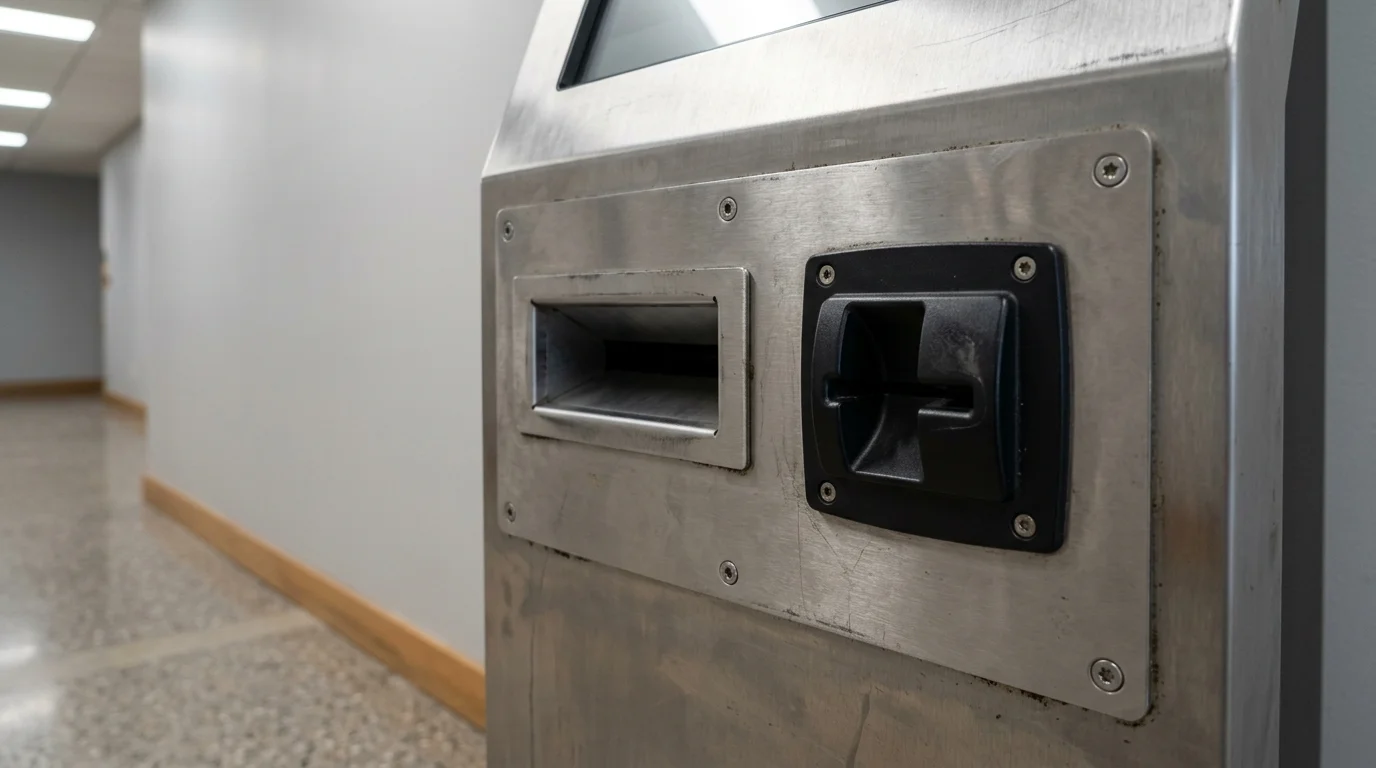
A self-service kiosk system that still answers a network check can fail the next customer when the screen is locked, the receipt path is jammed, or the remote view is waiting for a tap on the glass. To monitor kiosk devices remotely, close the heartbeat, the screen session, the lockdown state, and the cabinet hardware as separate checks, and walk someone to the unit only for the layer the console cannot close.
You monitor kiosk devices remotely by closing one layer at a time. A self-service kiosk system gives the console a network check-in and, when the operating system and the agent allow it, a screen session, a lockdown state, and any sensor flag the hardware exposes. Android Developers documents lock task mode from Android 5.0 (API level 21) and silent package install on fully managed devices from Android 6.0 (API level 23). Microsoft Learn, last updated 15 July 2026, requires console sign-in for an Assigned Access kiosk and does not support that experience over a remote desktop connection. Hexnode’s Android remote-view note, updated 10 August 2025, lists ports 443, 3478, and 5349. A green check-in still leaves a jammed printer, a disconnected card reader, and a frozen screen as open faults.
Other operational explainers sit in the Technology section.
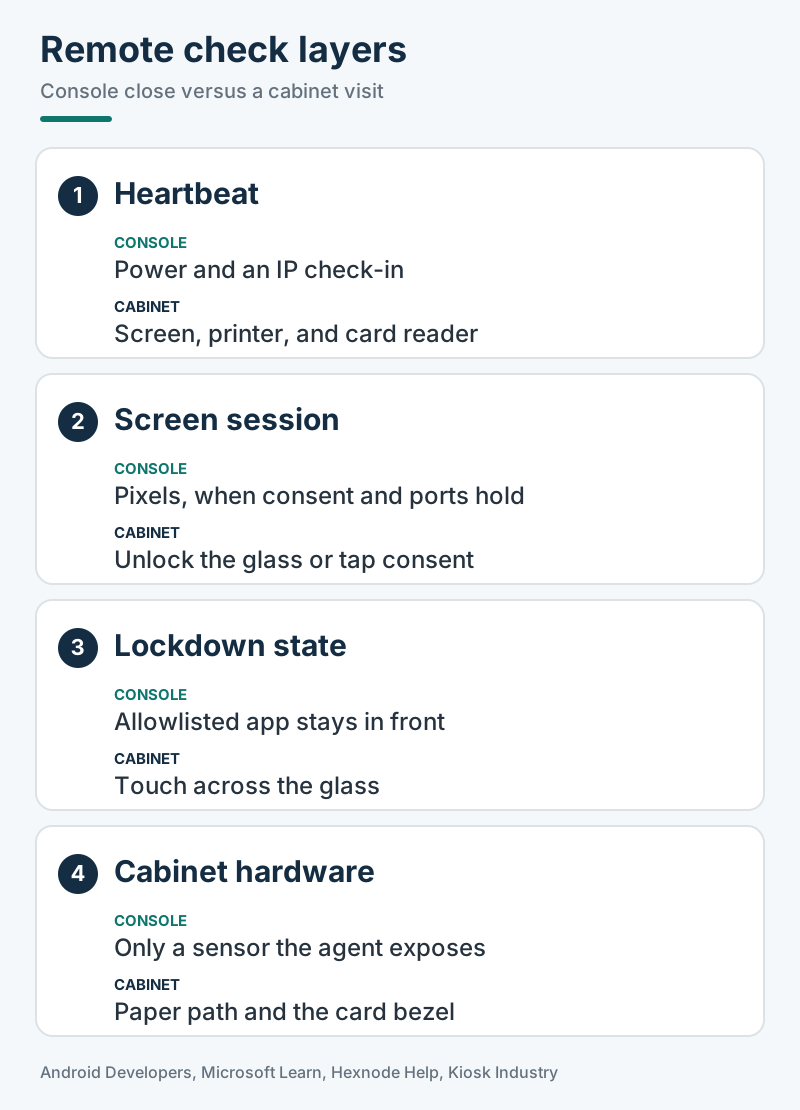
| Layer | What the saved page states | Why it matters |
|---|---|---|
| Network heartbeat | Kiosk Industry, updated 13 August 2026: a ping that the machine is powered on and connected to the internet. The same page says the unit can be online and still unusable if the thermal printer is jammed, the credit card reader is disconnected, or the touch interface has frozen on a Windows error dialogue. | A green check-in is not a finished transaction. |
| Screen session | Hexnode Help Center, updated 10 August 2025: live screen viewing needs the helper app. The remote-view note lists port 443 for the encrypted connection, port 3478 for TCP and UDP, and port 5349 for TCP. A locked screen blocks the view until someone at the device unlocks it. | A portal enrollment is a different step from a picture of the glass. |
| Lockdown state | Android Developers: lock task mode from Android 5.0 (API level 21) on a fully managed device, limited to packages passed to setLockTaskPackages(). Microsoft Learn, last updated 15 July 2026: Assigned Access runs one UWP app or Microsoft Edge full screen above the lock screen and restarts that app if it closes. |
A pinned screen, a lock-task app, and a closed app are different states. |
| Sensor flag | Kiosk Industry describes monitoring that tracks printer paper levels, jammed bill acceptors, 4G/5G failover signal, CPU, memory, disk, whether the lockdown shell stays in front, and, for outdoor units, internal temperature and fan speed. | Report the flag only when this kiosk’s hardware and agent expose it. Otherwise leave that cell blank. |
| Cabinet | Faronics, published 16 June 2016 (page dateModified 16 July 2026): card-stealing skimmers on payment units, and USB flash drives at an unattended kiosk. Paper feed and a loose internal cable are physical. | The office cannot reseat a roll or inspect a bezel. |
What a remote check can close
A remote check closes a layer when the operating system or the agent exposes that layer. It does not close the layers underneath.
Android Developers’ dedicated-device overview lists customer-facing uses as kiosks, digital signage, and hospitality check-in. The lock-task guide shows how to test the foreground state. On Android 6.0 (API level 23) and higher, the sample sets isLockTaskModeRunning when ActivityManager.lockTaskModeState equals LOCK_TASK_MODE_LOCKED. The comment on that sample says screen pinning does not count. Below API level 23 the sample uses isInLockTaskMode, which the page marks as deprecated in API level 23. Callbacks onLockTaskModeEntering() and onLockTaskModeExiting() fire when an app enters or leaves lock task mode.
While lock task mode is on, the status bar is blank and the Home and Overview buttons are hidden, unless the device policy controller turns those features back on. LOCK_TASK_FEATURE_KEYGUARD enables a lock screen. Android Developers marks that feature as typically unsuitable for public information kiosks and digital signage. DISALLOW_CREATE_WINDOWS stops other apps and background services from placing toasts, dialogs, and overlays in front of the lock-task app. On Android 9.0 (API level 28) and higher, DISALLOW_SYSTEM_ERROR_DIALOGS suppresses crash and “app not responding” dialogs, and the system restarts the unresponsive app as if the person at the glass had dismissed the dialog.
Windows has a separate restart rule. Microsoft Learn says that if the Assigned Access kiosk app closes, it restarts. The editions listed for Assigned Access are Pro, Enterprise and Enterprise LTSC, Education, and IoT Enterprise and IoT Enterprise LTSC. The same page requires User Account Control and a local console sign-in.
Power state is a remote signal only when the app listens for it. The dedicated-device cookbook tells the app to register for BatteryManager broadcasts and read whether the terminal is on AC, USB, or wireless power. It also says the app can send a remote alert if the device becomes unplugged. Admins of fully managed devices on Android 6.0 and higher can set STAY_ON_WHILE_PLUGGED_IN for those three power sources. FLAG_KEEP_SCREEN_ON keeps the kiosk activity’s window on while that activity runs. Those are documented controls, not a promise that every enclosure stays awake.
Rule of thumb. If Android is below 6.0 (API level 23) on a fully managed device, do not plan a silent package install. The cookbook’s install table starts unattended install and uninstall for fully managed devices at Android 6.0. Below that row, a person at the cabinet has to accept the install prompt.
Worked example. The cookbook says dedicated devices can suspend OTA system updates for up to 90 days, for a holiday or another busy period. Use this formula for that ceiling only: days remaining = 90 - days already suspended. Assume the suspension has already run for 30 days. The 30 is an assumption for the arithmetic, not a number printed on the Android page. 90 - 30 = 60 days of the documented ceiling remain. The result is arithmetic. It is not an uptime figure, and it is not a required freeze length.
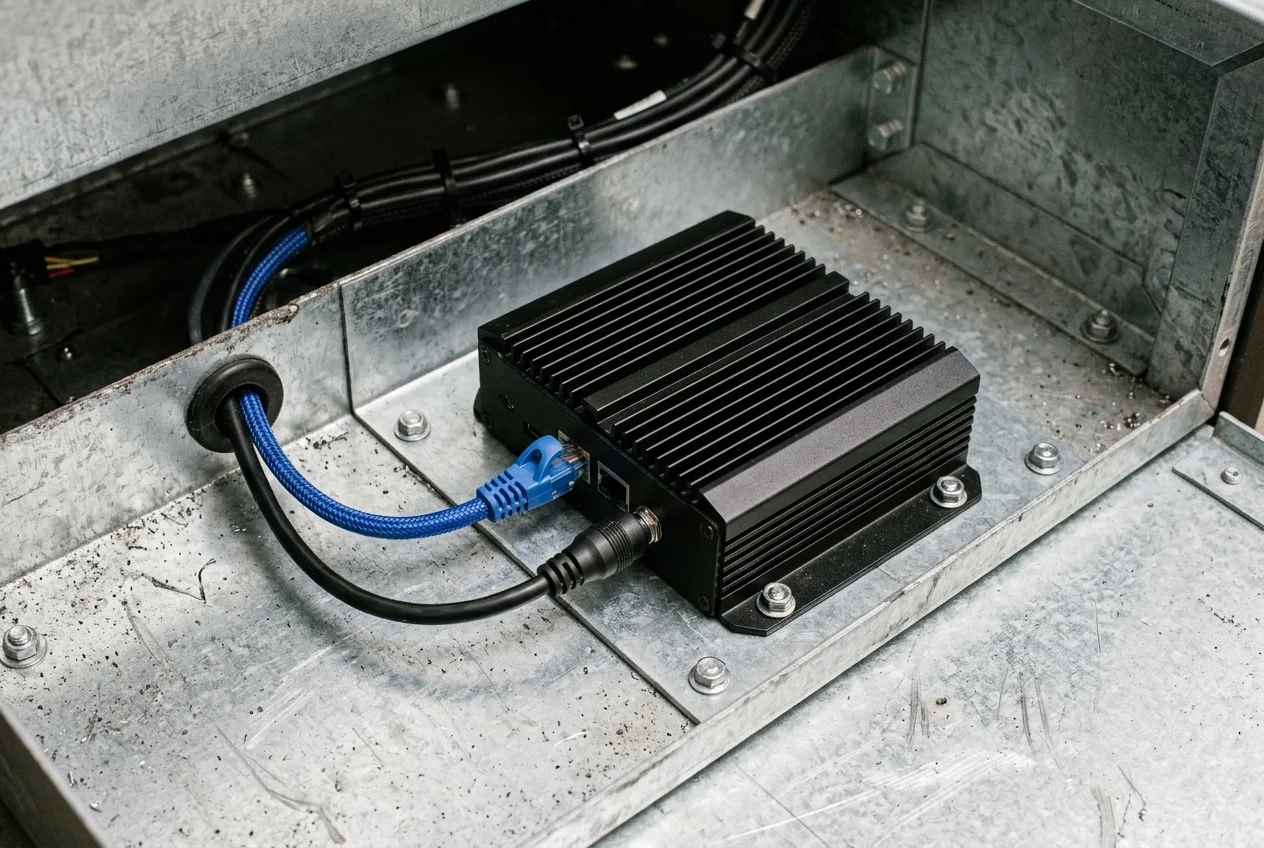
Takeaway: Query the lockdown state the platform actually exposes, then treat every missing sensor as an open cell rather than a healthy one.
What stops the screen session
A device that checks in can still refuse a live view. The gap is in the helper app, the consent prompt, the lock screen, or the Windows console rule.
On 3 February 2022, a Hexnode forum thread titled “monitor kiosk devices remotely” recorded an office admin trying to watch a field worker’s Android kiosk. The console returned: “Remote View app is not installed on the device. Click here to install it now.” The install from that button still did not start the session. Hexnode’s reply said to enable Remote View and “Prompt user to install Remote View app while in kiosk mode (Android)” under Admin, General Settings, Remote View and Control Settings. The reply also said the helper app installs silently on Android Enterprise devices enrolled as Device Owner. On other devices, the person holding the unit installs it and grants permission before Start Session works.
The current help page, updated 10 August 2025, splits the install notes. Under Samsung Knox, Android 9.0 and below shows a first-run consent prompt, and “Don’t show again” is what that page calls the checkbox for unattended access. Leave it unchecked and the person at the device grants consent every time an admin requests a session or the remote-view app restarts. The same note says Android 10.0 and above shows a different prompt. A further note on that Knox path says Android 9.0 and above asks for consent again every time the Hexnode UEM Remote View app stops in the background, so someone at the device grants it after a restart or after the app is killed. The separate “Android devices” path uses Hexnode Assist and shows the prompt “Start recording or casting with Hexnode Assist?” before Start Now. Read the path that matches the handset. Do not collapse those notes into one rule.
The same help page says remote view stops when the device is locked by the user or locks on its own, until someone at the device unlocks it. Interactive control, as distinct from viewing, needs the Accessibility Service enabled for Hexnode Assist, and the page says that option appears only after a remote-view session has already started. It also says remote control may not work as intended on devices running below Android 7. The quality menu on that page lists Low, Medium, High, and Advanced steps of 180p, 240p, 360p, 480p, 720p, and 1080p. Those are stream settings in that console. They are not the size of the kiosk glass.
Hexnode’s kiosk-mode page, updated 11 June 2025, says Android Enterprise kiosk activation is available only on Device Owner devices, and that Android kiosk mode on that product starts at Android 5.0 with a working internet connection. On Device Admin devices running Android 10 or later, the page says Hexnode UEM cannot be set as the default home app, so someone grants the home-app permission on the device whenever kiosk mode is activated.
Windows blocks a different shortcut. Microsoft Learn says that to use the kiosk experience you sign in from the console, and that the kiosk experience is not supported over a remote desktop connection.
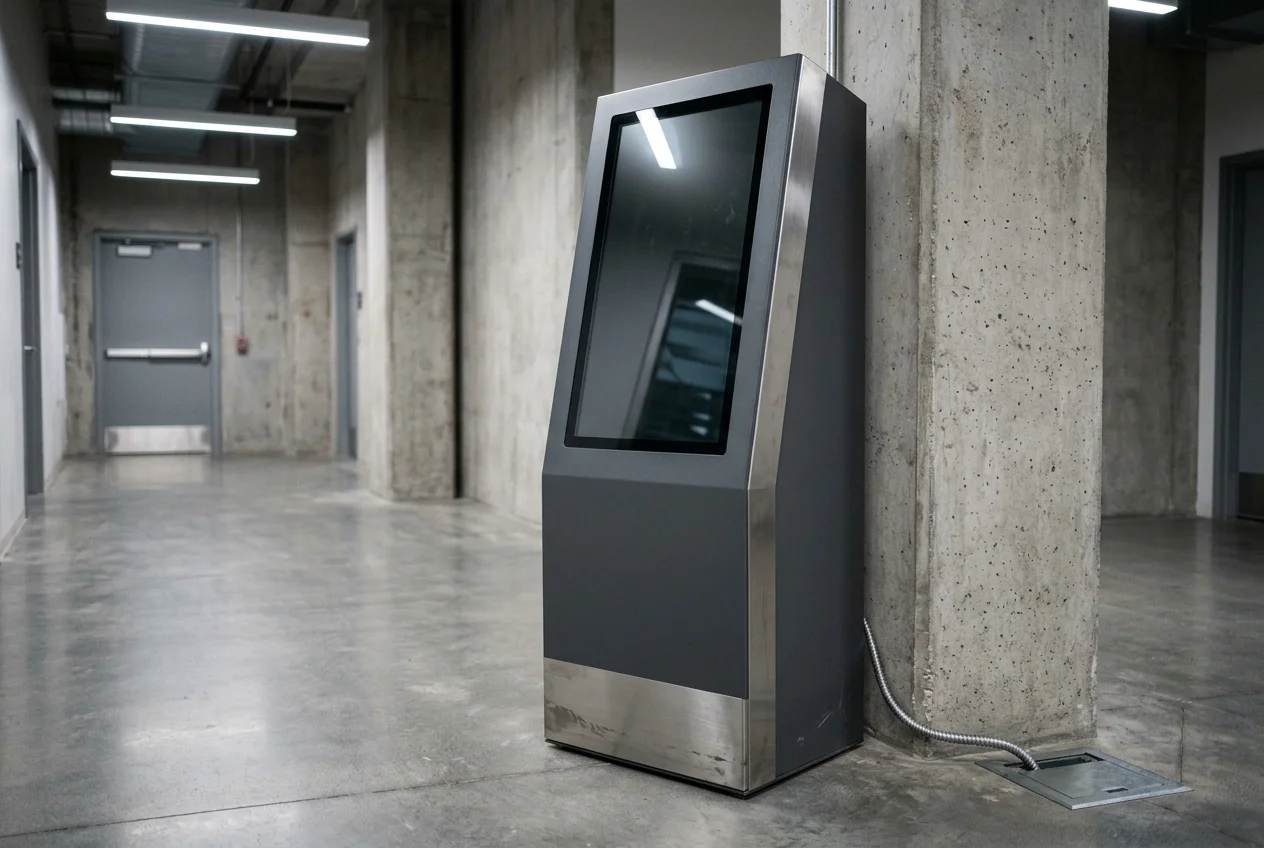
| Prerequisite | Source rule | What fails if you skip it | Bench note (blank until you fill it) |
|---|---|---|---|
| Fully managed device, or Hexnode Device Owner | Android Developers: silent package install without user interaction starts at Android 6.0 for fully managed devices. Hexnode: Android Enterprise kiosk activation and silent helper install require Device Owner. | The helper or the update waits for a tap on the glass. | |
| Lock-task allowlist | Android Developers: setLockTaskPackages() allowlists the packages that can run. DISALLOW_CREATE_WINDOWS blocks overlays from other apps. |
A non-allowlisted helper cannot draw its own dialog over the lock-task app. | |
| Consent after the helper stops | Hexnode Samsung Knox notes, updated 10 August 2025: Android 9.0 and above prompts again when the remote-view app stops, including after a restart. Android 9.0 and below can use “Don’t show again” for unattended access. | The session waits at the glass after a power cycle. | |
| Unlocked screen | Hexnode: a locked device cannot be viewed until someone at the device unlocks it. | The portal stays connected and the picture stays black. | |
| Windows console sign-in | Microsoft Learn, last updated 15 July 2026: User Account Control on, sign in from the console, no kiosk experience over a remote desktop connection. | A remote desktop session does not load the Assigned Access kiosk. | |
| Hexnode remote-view ports | Hexnode: port 443, port 3478 (TCP and UDP), port 5349 (TCP). | Check-in on 443 can succeed while the live view on 3478 or 5349 does not connect. |
Takeaway: Power-cycle the bench unit and start a screen session without touching the glass. If the session waits for a local tap, write down who provides that tap at the site.
What still needs the cabinet
Dominant failure mode. The failure mode that wastes the visit, or skips one, is a green heartbeat while the customer path is dead. Kiosk Industry, updated 13 August 2026, states that a kiosk can be online and still unusable when the thermal printer is jammed, the credit card reader is disconnected, or the touch interface has frozen on a Windows error dialogue. Prevent a false close by matching the ticket to that layer. Kiosk Industry describes a remote reboot for a software hang. Use a reboot only when the console can see the hang. Open the door for paper, cables, and the card bezel.
Kiosk Industry also describes remote tools that track paper levels, jammed bill acceptors, cellular failover signal, CPU, memory, disk, lockdown foreground, and outdoor cabinet temperature and fan speed. Treat each of those as available on your unit only when the peripheral and the agent expose it. An empty sensor cell stays empty.
Faronics, published 16 June 2016, describes payment units rigged with card-stealing skimmers and the risk of a USB flash drive at an unattended kiosk. Software that disables a USB port does not show whether a skimmer overlay is sitting on the bezel. That page is a vendor maintenance post rather than a payment-certification checklist.
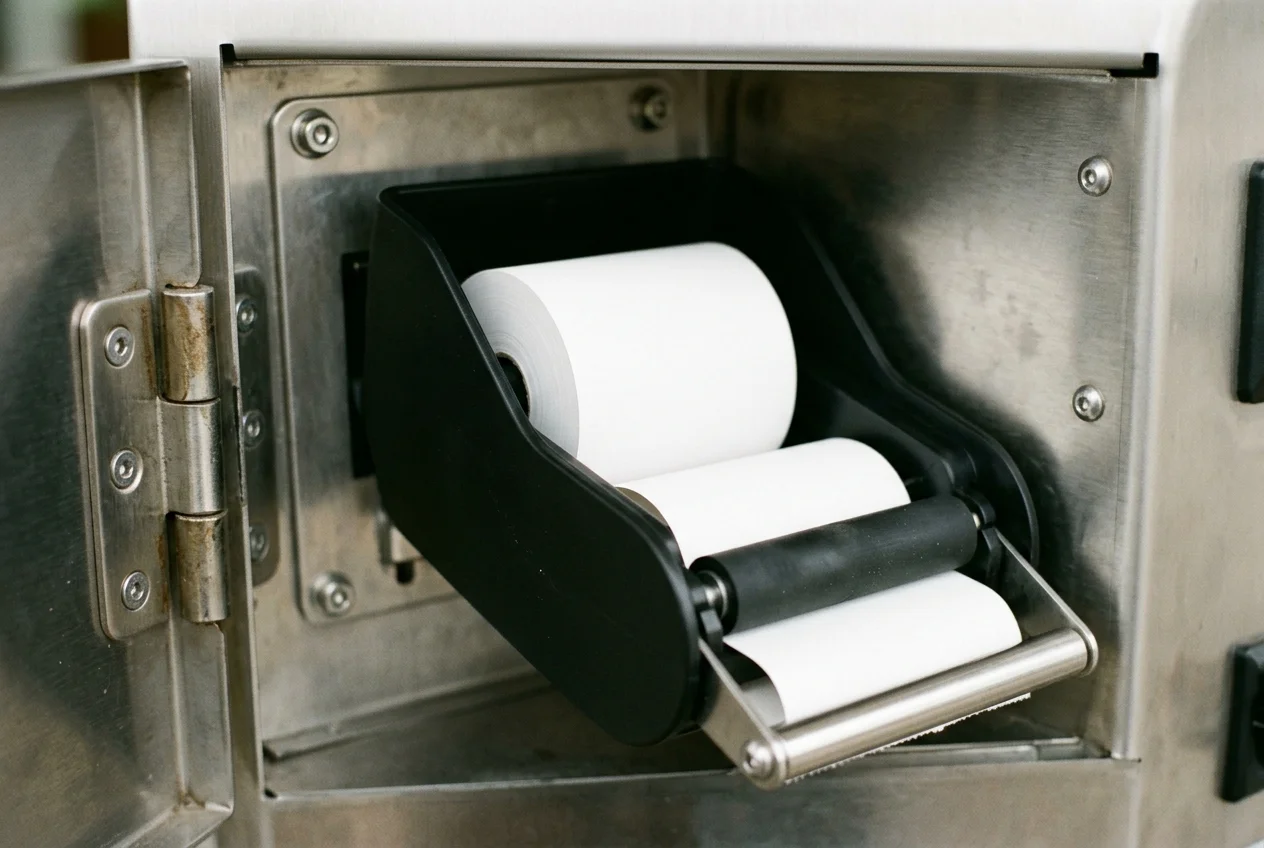
Common mistake: closing the ticket because the portal icon turned green after a reboot, when the report was a missing receipt or a dead card read. The heartbeat returning does not show that the peripheral works.
Takeaway: Name the person who opens the cabinet, and keep the ticket open until that person records the test at the failed layer.
Worksheet: close the ticket at the failed layer
Copy the rows into the runbook. The first three columns restate the saved pages. The last column stays blank until the site writes the owner, the test, and the ticket note.
| Check | What the console can confirm | What stays unproven | On-site owner, test, and ticket note |
|---|---|---|---|
| 1. Heartbeat | Power and an IP path to the management server (Kiosk Industry, 13 August 2026). | Whether the kiosk app is in front, the glass is dark, or any peripheral works. | |
| 2. Screen session | Helper installed, Hexnode ports 443, 3478, and 5349 open, screen unlocked, consent still held (Hexnode, 10 August 2025). Windows kiosk session only from the local console (Microsoft Learn, 15 July 2026). | Whether touch works across the glass. | |
| 3. Lockdown state | LOCK_TASK_MODE_LOCKED on Android 6.0 and higher, which the sample says does not include screen pinning. Assigned Access restarts its kiosk app if that app closes. |
Whether a customer transaction finishes, including paper or a card read. | |
| 4. Sensor flag | Only flags the hardware and agent expose, such as paper level or a bill-acceptor jam (Kiosk Industry, 13 August 2026). | Print quality, a clean feed over the tear bar, and a bezel with no overlay. | |
| 5. Cabinet | Time of the alert and the remote command that was sent. | Whether the customer path worked after that command. |
Walk one ticket down the sheet. The desk reports that people cannot finish check-in, and the portal shows the unit online. Row 1 is already closed, so another power check is the wrong next step. Row 2 opens a picture of the glass only when consent is already held. If the session is waiting, the next step is a person at the glass. If the picture shows the check-in app in front, row 3 is closed too. A missing paper flag in row 4 does not prove the roll is seated. The person named in the blank cell opens the door, seats the roll, runs one test at the slot, and writes the result before anyone closes the ticket.
A reboot, or a policy push that restarts the public app, takes the kiosk away from the person standing there. Before you send that kind of command, read which software actions should wait for a person.
Where these documents stop
Hexnode’s menu paths, helper names, and ports 443, 3478, and 5349 come from that vendor’s Android help page (updated 10 August 2025) and the 3 February 2022 forum reply. Confirm those names and ports against the build you run.
Android’s 90-day OTA ceiling, the API 23 silent-install row, and the LOCK_TASK_MODE_LOCKED check are platform documents accessed 18 October 2026. They describe dedicated devices and lock task mode. They do not list a screen size, a response time, or an uptime percent for a finished kiosk.
Kiosk Industry’s paper, bill-acceptor, temperature, and signal items are features that article attributes to remote monitoring tools. Leave the matching cell blank when your hardware list does not name the flag. The same article prints payback and hang-rate language, and the Faronics post prints a market forecast. This page does not use those figures.
Faronics mentions skimmers and USB drives. That is a 2016 risk description rather than a payment inspection procedure.
The sentences above are tied to the pages listed at the end of this article. The citation rules are in how this publication cites technical documents.